INSIGHTS / AESTHETICS
Short-Form Clinic Video: Practitioner Explanations That Build Confidence
Produce short clinic videos around one useful question, with verified practitioner roles, reviewed wording, readable captions and an appropriate next step.
Digital Yak · Updated
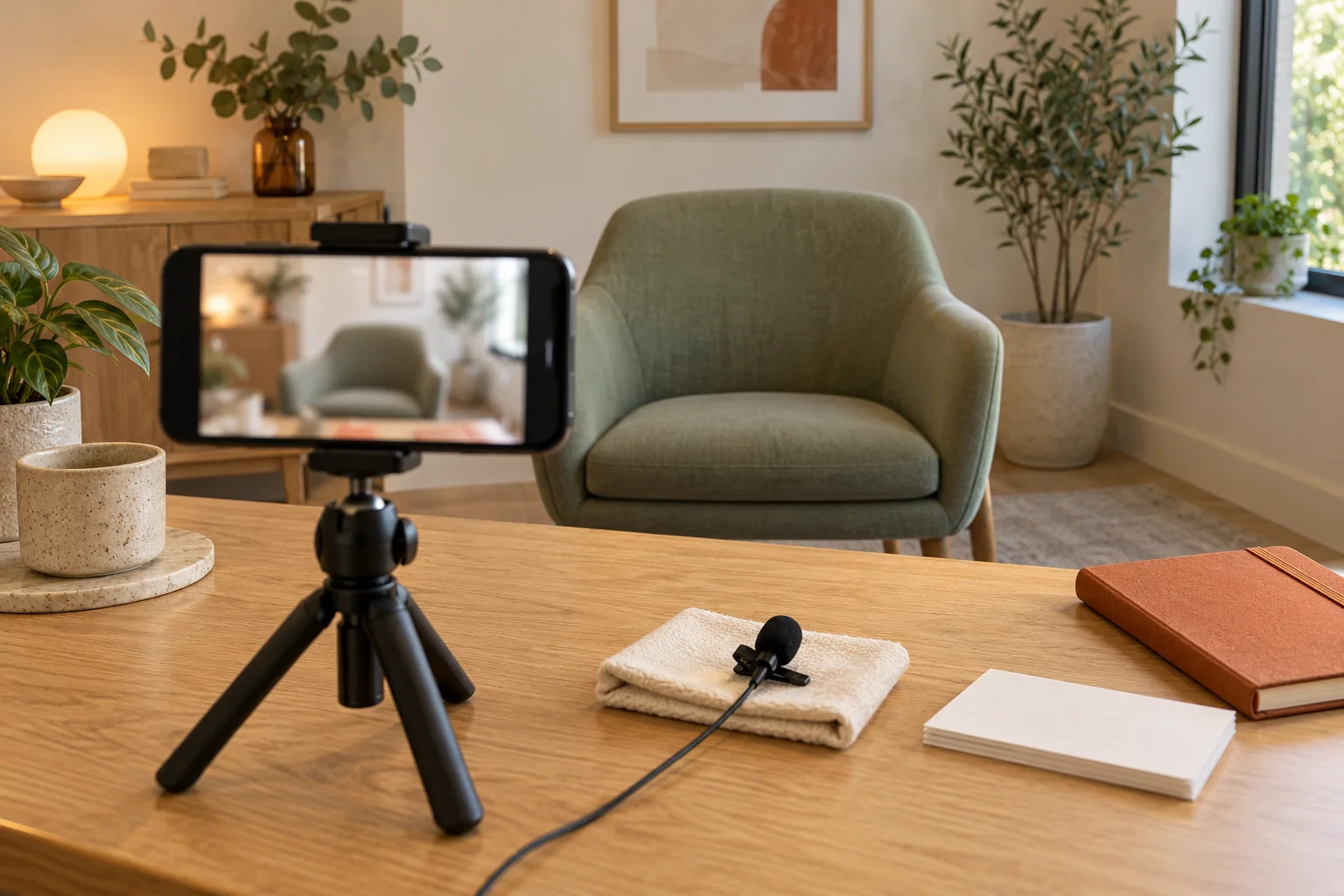
AI-created editorial illustration. Settings, properties and interfaces are fictional.
EXPLORE THE ARTICLE
Short video can help a practitioner explain a process or answer an administrative question in a recognisable voice. Brevity also makes it easy to lose context. The script, footage, captions and surrounding post need to support the same accurate message.
Choose a question with a responsible answer
Start with recurring questions such as how a consultation is arranged or who handles an enquiry. Keep individual suitability and clinical advice within the appropriate professional process.
Identify the speaker's actual role accurately. Do not use a title or credential beyond its verified scope. The expertise guide explains how to maintain that information.
Write and approve the whole asset
Use a concise script that answers the question and preserves material conditions. Review on-screen text, demonstration footage, captions, thumbnail and destination together. An edited clip can imply more than the original full explanation.
Avoid universal outcomes, trivialisation or pressure. Promotional content on the clinic's own social channels still needs appropriate advertising review. The compliance workflow provides the approval record.
Make the video usable
Provide accurate captions for meaningful speech and a useful text explanation where needed. Keep essential information available outside the video. Check that on-screen text is readable on a phone and is not hidden by platform controls.
Use authorised footage and record rights and permissions. Do not include identifiable patient material casually in background shots.
Link to the next useful information
Send viewers to the relevant practitioner, service or consultation page. Do not ask for sensitive clinical details in public comments. Assign somebody to handle administrative questions and route professional matters appropriately.
For an illustrative release test, view the muted video on a phone and read only the thumbnail and caption. Check whether the intended answer and necessary context survive. Explore clinic social media support for a repeatable production and review process.
Use a short production and review brief
Write the single question, intended audience, speaker's verified role, approved answer and destination page before filming. Include prohibited or unsupported inferences identified by the appropriate reviewer. This keeps a concise explanation from expanding into an improvised treatment recommendation.
Review the final edit, not only the script. Check spoken words, captions, on-screen text, thumbnail, demonstrations, background footage and surrounding post. Confirm that permissions cover the actual use and that no identifiable patient information appears unintentionally.
For an illustrative consultation-process clip, watch once with the sound off and once without reading the caption. Ask whether each version still conveys an accurate next step and avoids implying a confirmed appointment. Important qualifications should not exist only in a separate comment viewers may never open.
Keep a version, approval owner and review date. Link to fuller maintained information and provide a route for administrative questions, while directing individual clinical matters to the appropriate professional process. Evaluate useful understanding and enquiries alongside views, with small samples and uncertain attribution stated honestly.
PUT IDEAS INTO PRACTICE
Explore video & social
Connect these ideas with a practical plan for your business.