INSIGHTS / TOURISM & HOSPITALITY
Holiday Park Website UX: Pitch Types, Availability and Facilities
Help holiday-park visitors choose the right pitch or unit through accurate specifications, meaningful availability and clear facility information.
Digital Yak · Updated
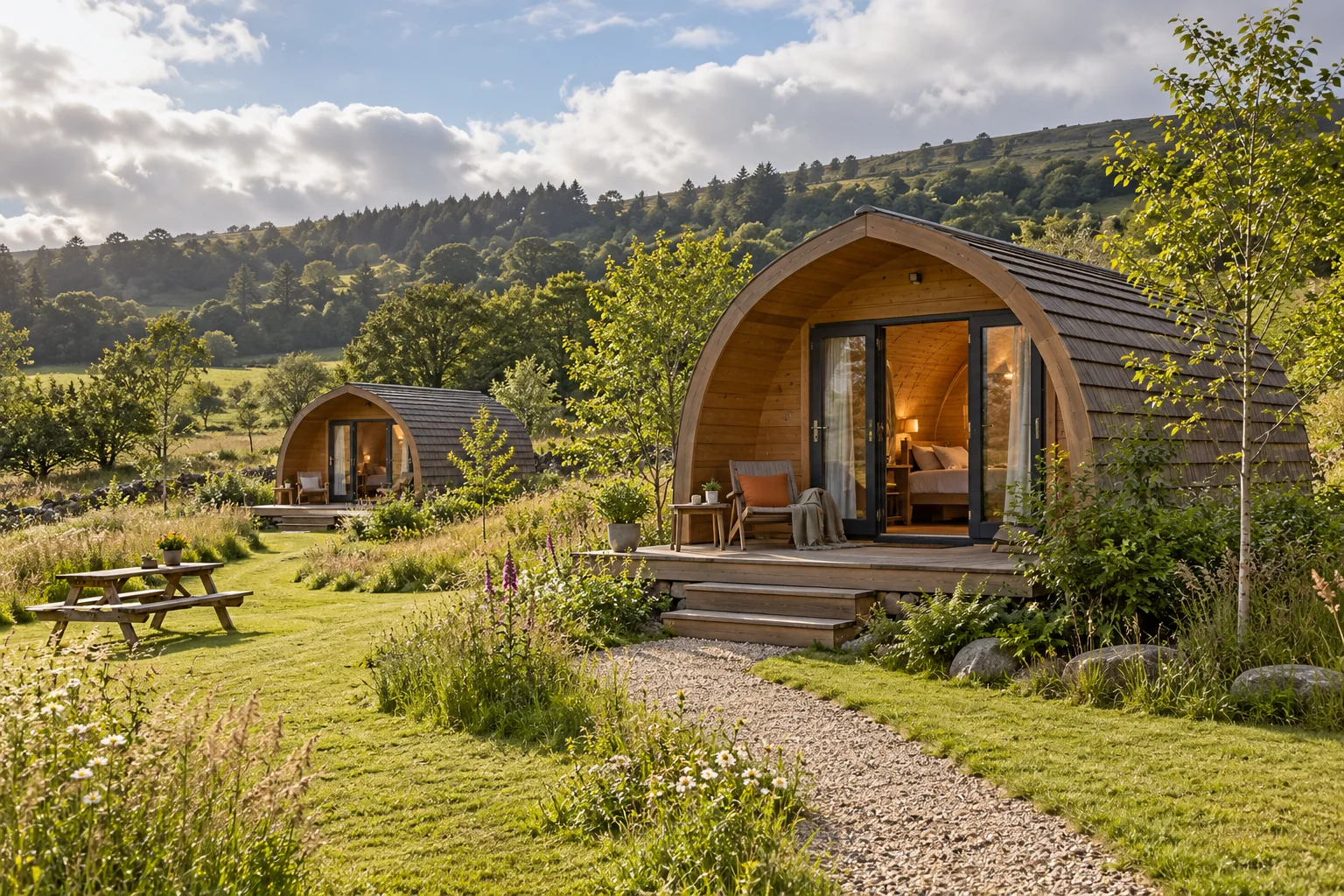
AI-created editorial illustration. Settings, properties and interfaces are fictional.
EXPLORE THE ARTICLE
A park can offer tent pitches, touring pitches, static accommodation and glamping units with different booking rules. A single accommodation gallery leaves visitors to work out which option fits their equipment and party. Good UX makes those differences explicit before availability is searched.
Create a maintained pitch and unit specification
For each type, record the actual dimensions or size limits, surface, electric provision, permitted equipment, occupancy and relevant restrictions. Explain whether parking is on the pitch, nearby or separate. Use operationally verified information rather than assuming every pitch of a type is identical.
Show the relationship to facilities through an accurate map or clear description. Distinguish a representative image from a photograph of the exact bookable unit. Explain when a specific pitch can be selected and when allocation happens later.
Make filters match real eligibility
Useful choices may include accommodation type, dates, party and equipment dimensions, where the system supports them. Do not offer a filter the inventory cannot reliably fulfil. Explain any requirement to confirm an unusual vehicle or setup before booking.
For an illustrative touring booking, test a visitor entering a vehicle size and selecting electric provision. The returned options should meet the recorded constraints. If the engine cannot check dimensions, place a clear confirmation process before payment rather than relying on a small policy note afterwards.
Explain shared facilities and seasonal limits
Publish current details for washrooms, food, play areas, pools and other amenities. State what is included, what costs extra and what requires booking. Show seasonal closures and opening arrangements where they affect the stay.
Provide detailed access information and clear pet arrangements. Avoid broad phrases such as all facilities open when staffing, weather or season changes the offer. A facility shown prominently in the hero image needs an accurate explanation on the page.
Design understandable availability states
If a date search returns nothing, explain whether the issue is sold-out inventory, minimum stay, arrival-day rules or an incompatible party. Offer genuinely available alternatives where supported. Do not reset every field and force the visitor to begin again.
Carry selected options into the total and confirmation. Check mandatory charges, deposits, cancellation terms and arrival instructions before enabling campaigns. Booking-engine UX provides the wider reservation checklist.
Review suitability and completion
Track searches with no eligible results, common support questions, booking changes and confirmed stays. Separate guests who change plans from those who cannot understand the inventory. Do not interpret every abandoned search as a pricing problem.
Use evidence to improve pitch labels, rules and page structure before adding decorative features. Our holiday accommodation marketing support connects the park's real inventory with a clearer search and booking journey.
PUT IDEAS INTO PRACTICE
Explore holiday parks
Connect these ideas with a practical plan for your business.