INSIGHTS / TOURISM & HOSPITALITY
Website Accessibility for Hotels and Visitor Attractions
Make hospitality websites usable across the full planning and booking journey, while publishing accurate information about the physical experience guests can expect.
Digital Yak · Updated
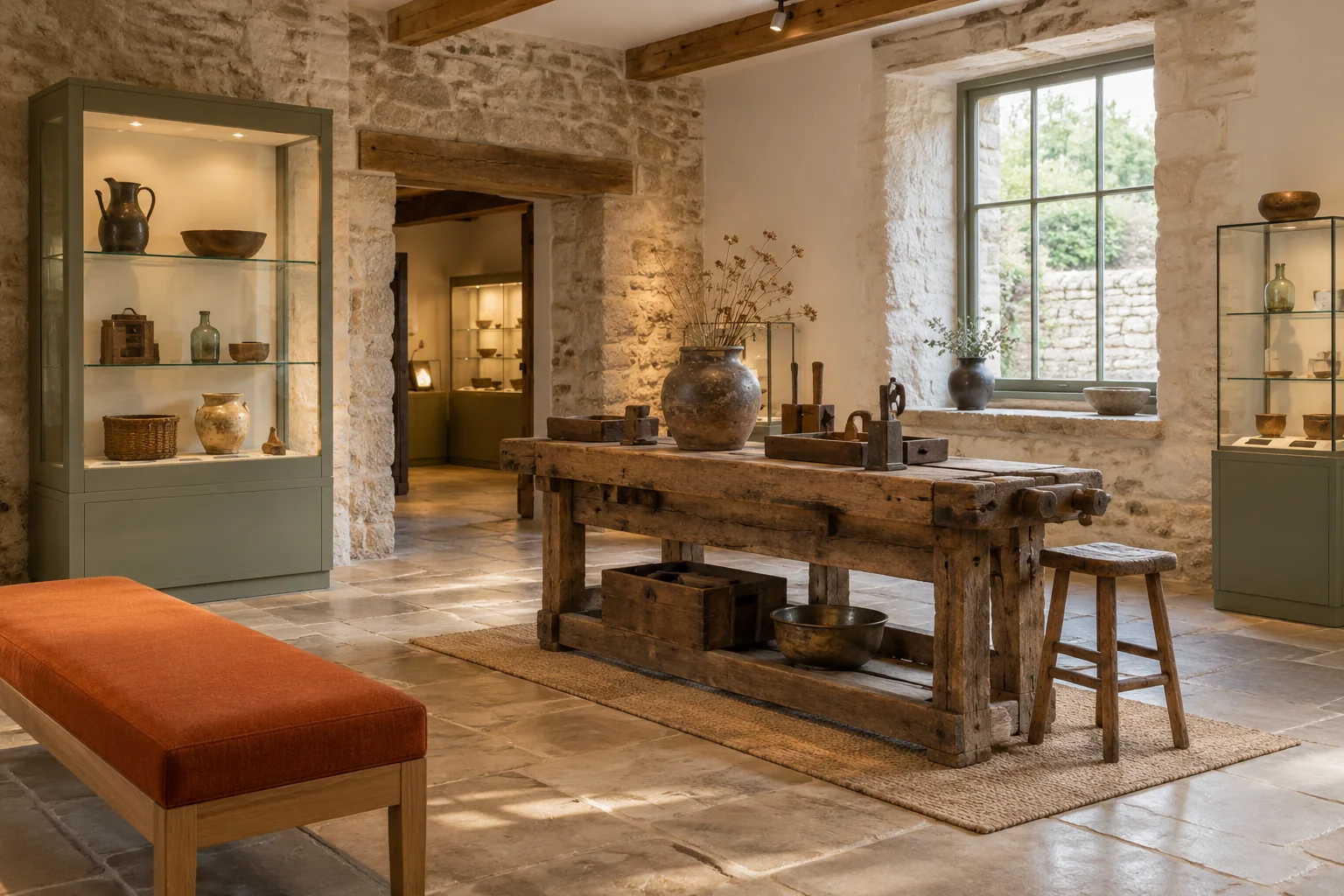
AI-created editorial illustration. Settings, properties and interfaces are fictional.
EXPLORE THE ARTICLE
Hospitality accessibility includes two related tasks: making the website usable and describing the actual property's facilities accurately. A readable access statement cannot compensate for an unusable booking form. An accessible form cannot tell a guest whether a particular room meets their needs.
Review complete tasks
Test finding a room, understanding access information, choosing dates, reading terms and contacting the property. Include third-party booking and ticketing systems. A useful accessibility review follows the guest beyond the homepage.
Use keyboard navigation, visible focus, readable headings and appropriate form labels. Check errors and success messages. Automated tools can identify some problems, but manual review and testing with disabled users provide information they cannot supply.
Make practical information specific
Describe facilities using verified measurements and observations where relevant. Explain entrances, steps, lifts, bathrooms, parking and routes accurately. Avoid a broad accessible label that leaves the guest to guess what it means.
Provide a contact route for questions and explain how current information is maintained. The accessible holiday marketing guide offers a more detailed content framework.
Present media and documents accessibly
Give informative images suitable text alternatives, caption meaningful speech and keep important information available as text. Check downloadable menus, brochures and access documents rather than assuming a PDF is readable by everyone.
Avoid autoplay media that obstructs the task. Ensure controls can be operated without precise pointer movement. Review contrast and text resizing on representative pages.
Investigate supplier dependencies
Ask booking and ticketing providers how their interfaces support accessibility and how issues are reported. Test the actual configured version used by the property. A vendor's general statement does not establish that every integration works correctly.
Keep an alternative contact route for a person who cannot complete the digital journey. This should support access while the underlying barriers are addressed, not replace the work of improving the system.
Maintain a prioritised improvement plan
Record each barrier, affected task, evidence, owner and verification method. Prioritise issues that prevent completion. Repeat relevant tests after content, theme and booking-system changes.
Check applicable legal duties for the specific organisation and markets with appropriate advice; public-sector guidance is not a complete legal checklist for every private hotel. For implementation, explore hospitality website support.
Review one complete visitor task
Choose a task such as finding access information, selecting a ticket and understanding the confirmation. Move through the entire journey with a keyboard and inspect focus, labels, errors, readable content and changes in context. Include third-party widgets and documents, not just the main template.
Where practical, involve people with varied access requirements and record the conditions of the review. One participant cannot represent every disability or interaction method. Automated checks can identify some issues but do not establish that the full journey is accessible.
For an illustrative booking widget, a date may be visually available while its accessible name gives no meaningful date or state. That needs a supplier or component repair; adding explanatory text elsewhere may not resolve the interaction barrier.
Keep an issue log with impact, reproduction steps, owner and verification result. Prioritise barriers that prevent essential actions, then improve the broader experience. Repeat the relevant task after a repair and after supplier updates that change it. Accessibility should remain part of maintenance rather than a one-time badge claim.
Reference
W3C's accessibility introduction explains accessibility principles and the need for evaluation.
PUT IDEAS INTO PRACTICE
Explore direct bookings
Connect these ideas with a practical plan for your business.