INSIGHTS / TOURISM & HOSPITALITY
Accommodation Photography and Video That Improves Bookings
Plan hospitality photography around the decisions guests need to make, with representative rooms, useful facility detail and accessible video.
Digital Yak · Updated
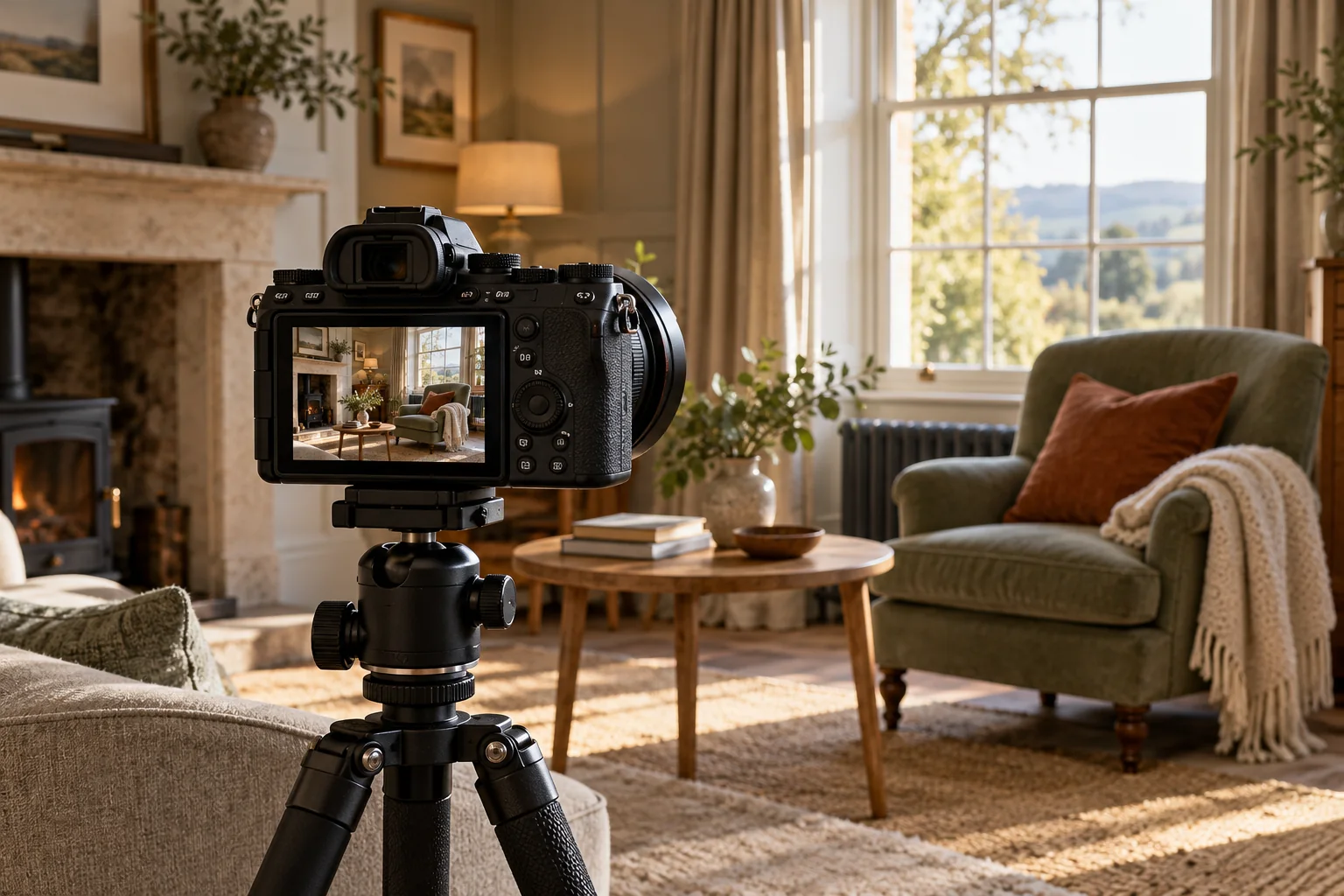
AI-created editorial illustration. Settings, properties and interfaces are fictional.
EXPLORE THE ARTICLE
Hospitality media should help a guest understand what they are booking. Atmospheric images can introduce the property, but they should be supported by photographs that explain rooms, layouts, facilities and arrival. Start the shoot brief with those decisions.
Build a decision-based shot list
List the pages requiring media and the question each image should answer. A room page may need bed configuration, bathroom layout and representative space. Arrival information may need the entrance and parking arrangements. Group stays may need communal areas and dining capacity.
Verify which features belong to every unit and which vary. Photograph the actual inventory and label significant differences. Do not imply that one exceptional room represents the whole property.
Capture honest context
Choose angles and editing that give an accurate impression of space and facilities. Keep seasonal imagery clear where it could affect expectations. A summer garden photograph does not establish year-round outdoor service.
Obtain appropriate permissions for identifiable people and rights for every asset. Keep a register of source files, permitted uses and expiry or withdrawal requirements. Avoid presenting stock imagery as the property's own facilities.
Use video where movement adds information
A short room walkthrough can explain the relationship between spaces. An arrival demonstration can clarify an entrance. Avoid video that merely repeats the same scenic montage without helping a decision.
Provide captions for speech and a useful text alternative or description where necessary. Keep essential information available outside the video. Check playback controls and avoid making audio automatic.
Prepare media for the website
Create appropriate sizes and formats, reserve display dimensions and check compression. A large hero file should not prevent a guest reaching availability information. Review mobile crops so important room features remain visible.
Write image alternatives according to purpose. Decorative atmosphere images need different treatment from informative layout photographs. The hospitality accessibility guide places these choices in the wider booking journey.
Maintain the library after changes
Review media following refurbishment, renamed room categories, altered facilities or access changes. Update the website and booking platform representations together where possible.
Use guest questions to identify missing views rather than commissioning another general shoot automatically. The room-page guide connects the shot list with content and room comparison. Explore hospitality website design for a coherent media and booking experience.
Review what a photograph implies
Place a proposed image beside the exact room, rate or service it will promote. Ask what a guest could reasonably infer: size, view, privacy, furnishings, included facilities or a particular activity. Verify those inferences against the offer and add clear context where needed.
For an illustrative room shoot, a wide lens may help show the layout while making the space appear larger. Pair it with honest details and useful angles rather than relying on an impression the property cannot deliver. Do not add facilities or views through image editing.
Maintain an asset record with the subject, room or area, capture date, rights, permissions and approved uses. Note seasonal or staged elements and review the set after refurbishment. A technically sharp photograph can still be inaccurate if the room has changed.
When exporting, check readable detail, appropriate file size and the crop used on mobile. Keep essential information in text, and use alternative text according to the image's purpose. A decorative image and a photograph explaining a room feature need different treatment.
PUT IDEAS INTO PRACTICE
Explore direct bookings
Connect these ideas with a practical plan for your business.