INSIGHTS / AESTHETICS
Building an Aesthetic Clinic Website That Converts
Create a clinic website that helps people assess the practice, understand the consultation and contact the right team through a clear, accessible journey.
Digital Yak · Updated
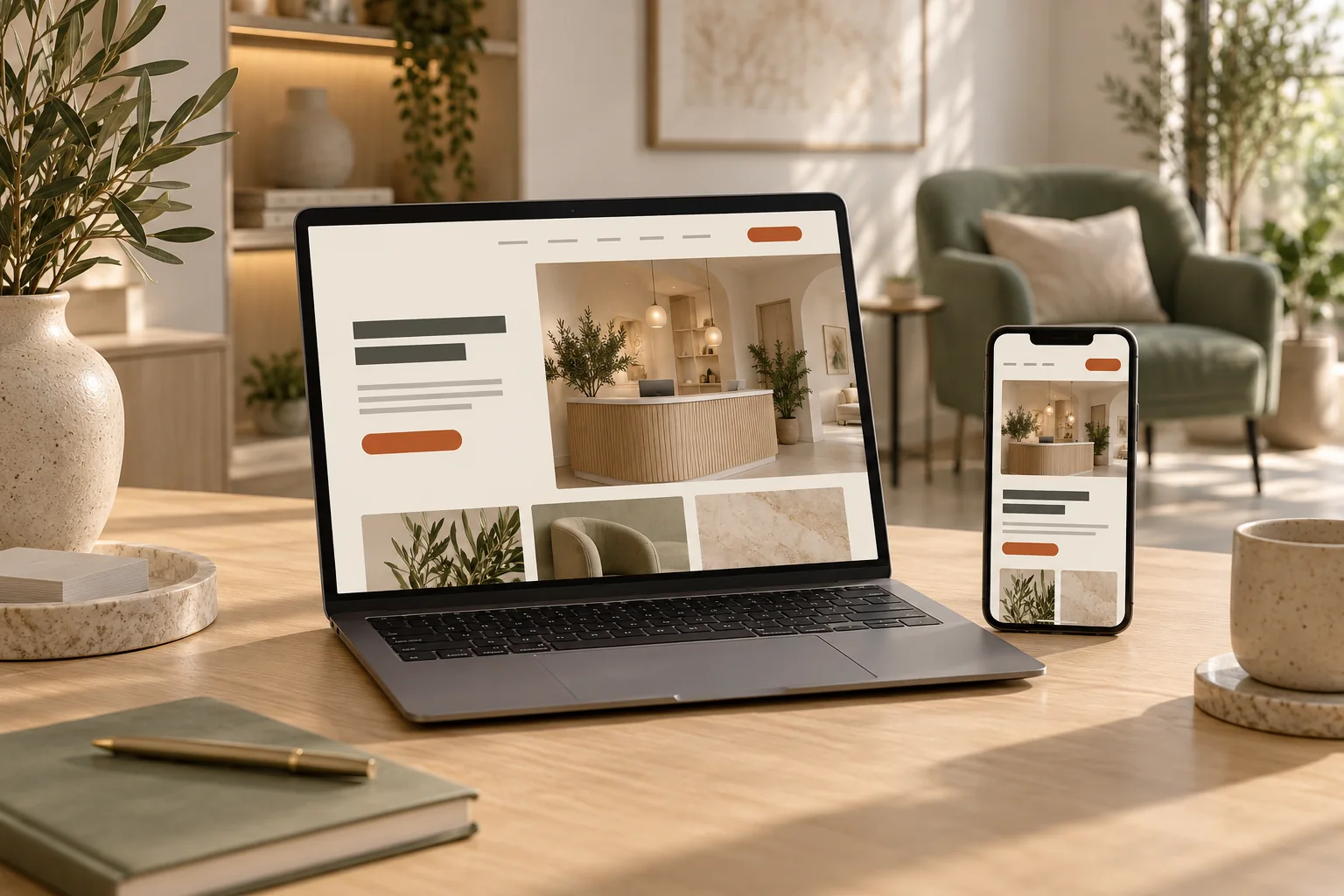
AI-created editorial illustration. Settings, properties and interfaces are fictional.
EXPLORE THE ARTICLE
In this guide
- Write the brief around patient tasks
- Make the first screen specific
- Build service pages that answer their own question
- Present practitioners accurately
- Make consultation arrangements transparent
- Ask for proportionate information
- Treat photographs as claims as well as assets
- Test mobile use, accessibility and delivery
- References
A clinic website earns an enquiry by helping a visitor make a more informed decision. That decision depends on accurate information, a credible account of the practitioners and a contact process that works. A striking design can support the experience, but it cannot compensate for missing costs, vague credentials or a form that fails silently.
The design brief should therefore describe the decisions the site must support. This guide gives owners a way to commission, review and improve a clinic website without treating every visitor as somebody who should be persuaded to proceed.
Write the brief around patient tasks
Ask reception and the clinical team which questions arise before a first appointment. Separate practical questions from questions that need an individual professional assessment. The website can explain opening times, location, consultation arrangements and how to contact the clinic. It should clearly identify where personal assessment is necessary.
Set three or four primary tasks for the design. A visitor may need to identify the practitioner, find an appropriate service, understand the consultation fee and contact the correct location. Describe what successful completion looks like. This creates a stronger acceptance test than asking whether the site feels premium.
Use the online clinic choice framework to organise this research. Do not invent quotations from patients or turn an illustrative persona into a claim about the clinic's real audience.
Make the first screen specific
The homepage should explain the practice, its location and the next sensible action. Keep the main heading readable. Avoid a video or animation that pushes the clinic's identity and contact route out of view on a phone.
A useful first screen can include the clinic name, a concise description, an accurate location and links to services and consultation information. If images are illustrative, do not present them as photographs of the actual premises or team. Real staff and premises photography usually provides more relevant evidence when consent and usage rights are in place.
Give first-time visitors a route to investigate. A single urgent booking button is insufficient for somebody still deciding whether to enquire. Links to practitioner information and the consultation process support a more considered choice.
Build service pages that answer their own question
Each service page needs a distinct purpose. Start with a clear scope statement, then explain what information the clinic can responsibly provide before assessment, who provides the service and what the consultation involves. Include practical details such as location and how fees are communicated.
Avoid supplier copy pasted into several pages. It rarely explains the clinic's own process and may introduce claims the team has not approved. Keep a review record for clinical information and advertising claims. The treatment page brief provides a section-by-section planning method.
Supporting articles can answer deeper questions without turning the service page into an unmanageable essay. Use descriptive links that tell visitors what they will find. Keep the main route to consultation information visible after the reader has investigated the page.
Present practitioners accurately
A profile should distinguish name, professional role, current registration where relevant, qualifications and the services the practitioner actually provides. Verify every credential with the practitioner and appropriate records. A general badge saying medically led gives less useful information than a clear account of responsibility.
Include an accurate photograph and accessible text. Explain who reviews content or handles the first assessment where that is relevant. Remove departed practitioners promptly and check associated service pages. Our practitioner profile guide includes a review checklist that can be reused when the team changes.
Avoid unsupported superlatives and ambiguous specialist titles. If a credential has a specific scope, retain that scope in the copy. The reader should not have to infer whether somebody is a registered professional, a treatment provider or an administrator.
Make consultation arrangements transparent
Describe what happens after an enquiry, how the clinic will respond and how a visitor can ask a practical question. Publish consultation fees and relevant terms accurately where applicable. If a price varies after assessment, explain what determines the final quotation instead of relying on an unexplained from price.
Keep cancellation and rescheduling information easy to find before booking. Explain access arrangements and offer a contact route for specific requirements. These details can reduce avoidable uncertainty and administrative exchanges.
Choose button wording that matches the actual action. Request a consultation is appropriate for an enquiry that requires confirmation. Book an appointment should lead to a booking process with an honest account of availability. Do not display a booking confirmation when the system has merely sent an email request.
Ask for proportionate information
An initial marketing enquiry usually needs contact information and a brief description of the request. Avoid asking for clinical history or photographs in a general form simply because the form software permits it. Route sensitive assessment information into an appropriately designed clinical system.
Give every field a persistent label. Mark required fields clearly and explain errors next to the relevant input. Preserve valid entries when an error occurs. Provide an accessible alternative if a person cannot use the form. See clinic form accessibility and completion-rate diagnosis for practical checks.
Keep marketing preferences separate from the act of making an enquiry. Explain how information will be used and link to the relevant privacy information. A required newsletter tick box is a poor substitute for a properly designed enquiry process.
Treat photographs as claims as well as assets
Use real, authorised imagery with an accurate description of what it shows. Before-and-after material needs particular scrutiny: differences in lighting, angle, expression or editing can alter the impression of a result. Permission to use an image does not establish that its advertising message is acceptable.
Maintain the original files, usage permissions, approval record and relevant context. Do not suggest that one person's experience predicts another person's result. The photography standards guide explains how to organise a controlled image workflow.
Test mobile use, accessibility and delivery
Test the finished site using a keyboard, phone and several realistic tasks. Check navigation, focus visibility, readable text, touch targets, form errors and success messages. Automated accessibility tools find some issues, but observation and manual checks remain necessary.
Measure performance on representative pages, including the heaviest media and the booking integration. Reserve image dimensions to reduce shifting layouts. Keep essential information available when a video does not load. The mobile performance checklist helps prioritise the work.
Finally, complete the entire enquiry journey. Verify that a valid request reaches the correct team and that failure is handled clearly. Analytics should measure confirmed success rather than a button click. Compare the number of valid requests with the records actually received, without exposing personal information in analytics.
Commission the website as a maintained system: assign owners for service changes, staff profiles, policies and forms. For help applying this approach, explore clinic website design.
PUT IDEAS INTO PRACTICE
Explore website & conversion
Connect these ideas with a practical plan for your business.